WMS · Warehouse Management System
LOGIS PRO is a warehouse management solution for digital, automated distribution centers.
LOGIS PRO replaces manual, reactive inventory management with real-time data collection and analysis, so stock levels, item locations and scheduled shipments are visible at a glance.
The result: lower inventory carrying costs, shorter order fulfillment times and higher overall logistics efficiency.
- 01
Flexible system
interfaces - 02
Strategy-based
work orders - 03
Outbound method
by order or task - 04
Advanced inventory
management
02BUSINESS VALUE
Less development effort, higher productivity,
and room for every business need.
- 01
Operational stability from our own solution
Proven IT infrastructure and operations know-how from 10+ years of experience
Stable, high-quality foundation built on KONAFLOW
- 02
A mature logistics platform
Easy to adopt on any OS or environment
Easy, convenient, customer-oriented system for every user
- 03
Logistics competitiveness for shippers and centers
Optimized logistics management with our own solution
A wide range of menus that support data-driven decisions
- 04
Platform scalability
Integration with existing services such as ERP and MES
Room to expand into forwarding and cross-border e-commerce platforms
03INVENTORY
Advanced inventory control
with detailed stock attributes.
Granular stock attributes, multi-angle monitoring and stock counts improve inventory accuracy and visibility.
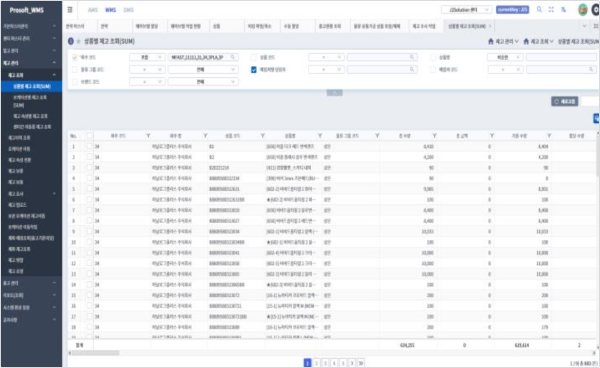 01
Granular stock attributes for better quality control
Manage inventory by detailed LOT units: temperature type, best-before date, expiry date, manufacturing date, first receipt date and more.
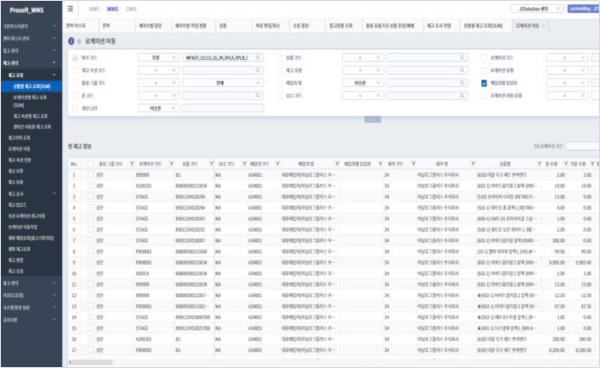 02
Multi-angle inventory monitoring
View stock by item, location or lot, from whichever viewpoint you need.
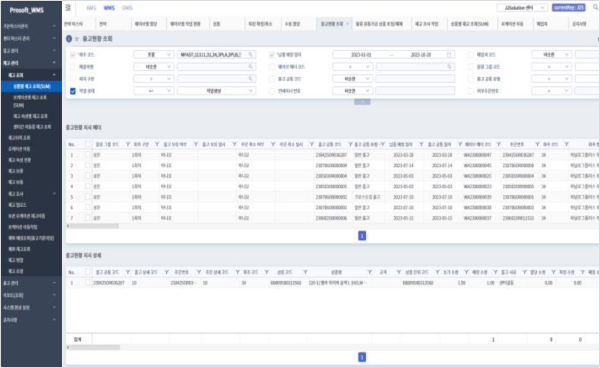 03
Precise stock counts
Run full or cycle counts as needed, and carry out on-site counts easily with a PDA.
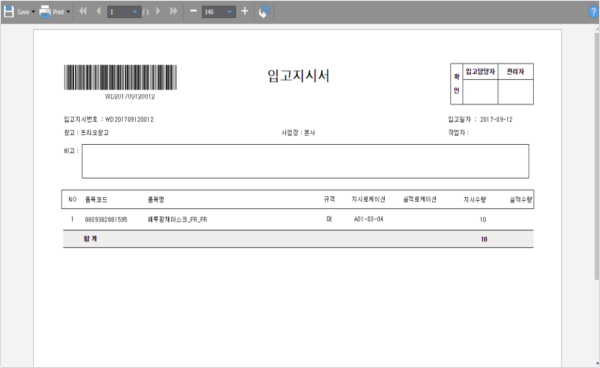 04
Fast response to inventory issues
When a count reveals quantity mismatches, recalls or damage, place the stock on hold immediately to block shipment.
04FEATURES
Key features
of LOGIS PRO.
LOGIS PRO handles multiple warehouses, shippers and identification codes, with precise stock attribute management and real-time integration with equipment for a wide range of inbound, outbound and verification processes.
Supplier
Inbound
Receiving
- Inspection
- Put-away
- Location assignment
Storage & inventory
Warehouse · Inventory
- FIFO
- Stock count
- Adjustment
- Stock status
Outbound
Shipping
- Picking
- DPS
- Inspection
- Performance
Customer
Inbound process
- 01Inbound plan
- 02Inbound order
- 03Unloading & inspection
- 04Put-away
- 05Count order
- 06Stock count
- 07Adjustment
- 08Stock confirmed
Outbound process
- 01Outbound plan
- 02Outbound order
- 03Picking
- 04Repacking
- 05Inspection
- 06Packing
- 07Shipment confirmed
- 08Stock confirmed
Need warehouse management
built for your distribution center?
Talk to us and we'll recommend a LOGIS PRO setup that fits your warehouses, shippers and workflows.